Mark up a plan, get a priced quote
Upload a drawing, click to count items, costs flow straight through
Turn a floor plan into a priced quote by working through it once. No separate takeoff step, no re-keying numbers into a different tool.

Reading a set of plans and counting up materials has traditionally been a desk job - something you do back at the office, after the site visit, in a separate tool that doesn't connect to your quoting software. The numbers get written down, transferred, cross-checked, and re-entered. Every step is another chance for an error or a missed item.
SwiftScope's drawing markup works differently. Upload any floor plan or site drawing - a PDF, an image from your email, a photo of a hand-drawn sketch - and click to mark items directly on it. Each click adds a priced line item to your quote in the background. By the time you've worked through the plan, the quote is already built.
It's designed for a tradie quoting a house or a small commercial fit-out, not an estimator running takeoff on a multi-storey tower. The AI can also read a plan and pre-fill counts automatically, which you then review and confirm rather than building from scratch.
What it does
- Upload any site plan or floor plan image - PDF, image or photo
- Click to mark fixtures, fittings and cable or pipe routes
- Scale calibration for accurate linear measurements
- AI can pre-read a plan and suggest item counts for review
- Costs link directly to the quote with no manual re-entry
- Pulls pricing from your own price book, not a generic rate card
What you'd pay elsewhere
GroundPlan is a $60-100/month add-on bolted onto other platforms. Drawing markup is native to SwiftScope, at no extra cost.
How it works
From zero to done
Upload the drawing
Drop any floor plan, site plan, or drawing into SwiftScope. PDF, image, or photo of a printed plan all work. You can upload from email, camera roll, or directly from a file.
Set your scale
Tap two known points on the drawing and enter the real-world distance between them. SwiftScope calibrates the scale so line measurements reflect actual distances.
Mark items on the plan
Tap to place a point for each fixture, GPO, or fitting. Drag a line for cable runs, pipe routes, or conduit. Each item is priced from your price book as you place it.
AI pre-read (optional)
Let SwiftScope's AI read the drawing first and suggest item counts. You review the suggestions, adjust quantities, and confirm. Faster than counting from scratch on a dense plan.
Costs flow straight to the quote
Every marked item is already in your quote total. No export, no copy-paste, no re-entry. Review the breakdown, adjust margin if needed, and send.
Why SwiftScope
Not another tool.
The last one.
Turn a floor plan into a priced quote by working through it once. No separate takeoff step, no re-keying numbers into a different tool.
GroundPlan is a purpose-built takeoff tool and it's excellent at what it does - for a large estimating team running commercial jobs. For a residential or small commercial tradie quoting from their phone on a Tuesday morning, it's overkill and an extra $60-100 per month on top of everything else.
SwiftScope's drawing markup isn't trying to replicate GroundPlan feature-for-feature. It's trying to answer a specific question: how does a tradie go from receiving a set of plans to sending a quote without going back to a desk? The answer is a markup tool that's fast, mobile-friendly, and connected directly to the quote builder and price book.
The live camera annotation tool is also worth mentioning here. When there are no plans - a knockdown rebuild quote, a renovation with no drawings, a job where the plans are wrong - you annotate directly on live camera footage of the site. Same outcome, different starting point.
Keep exploring
The rest of the platform
Local discovery
Free directory listing with Google ratings. Homeowners find you and contact you direct. No per-lead auction.
Job management
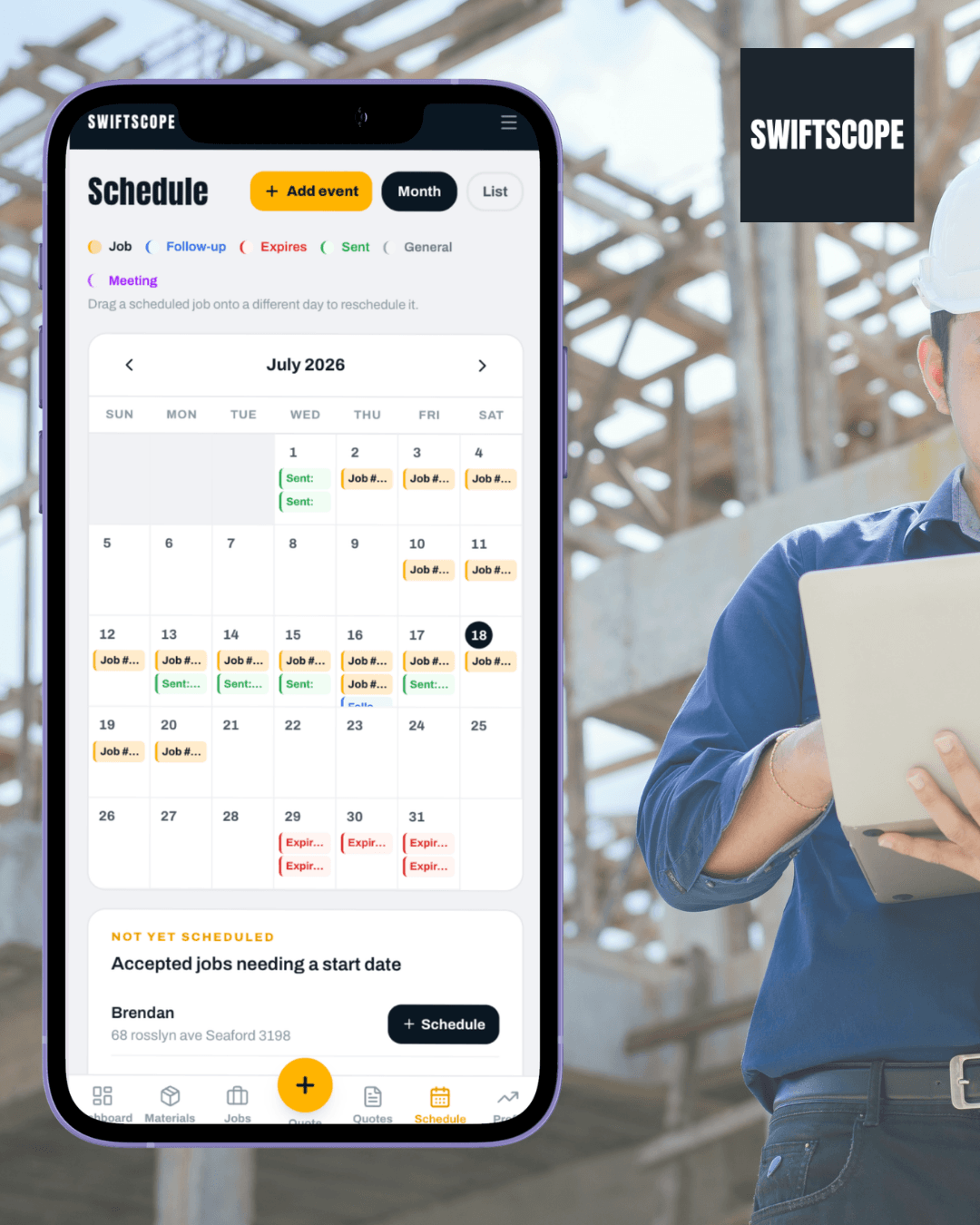
Quotes, jobs, scheduling, variations, job costing. All in one place, all on your phone.

Mobile quoting
Trade-specific quote builder on your phone. Send the quote before you leave the driveway.

Job costing
Track actual hours and materials against what you quoted. Know your real margin on every job.

Xero invoice push
Connect Xero once. When a quote is accepted, SwiftScope pushes a draft invoice so you are not re-typing totals.