Quote before you leave the driveway
A trade-specific quote builder that lives on your phone
Build and send a proper quote before you have even packed the ute back up. Numbers calculated live, in fields built for your trade, not a generic form.

The gap between finishing a site visit and sending a quote is where most tradies lose jobs. The client liked you. They're ready to book. Then three days pass, a competitor calls them first, and the job is gone. SwiftScope closes that gap by making it possible to quote on site, in the time it takes to walk back to your ute.
The quote builder is trade-specific. An electrician sees circuit and switchboard fields. A plumber sees fixture and pipe-run fields. A carpenter sees framing and joinery fields. You're not translating your job into someone else's generic form. The fields match the way you actually think about and price the work.
Materials are pulled from your own price book - the rates you've negotiated with your suppliers, not a generic rate card someone else decided for you. Labour hours, materials, and margin calculate live as you fill the quote in. By the time you're walking back to the car, the quote is drafted, reviewed, and sent.
What it does
- Trade-specific fields for electricians, plumbers, carpenters, roofers and more
- Numbers calculate live as you build the quote
- Materials pulled from your own price book, not a generic rate card
- Voice quoting available - describe the job out loud
- Send a professional quote from your phone on-site
- Automatic follow-up reminders if the client doesn't respond
What you'd pay elsewhere
ServiceM8 charges per user, per month, for mobile quoting alone. It's built into SwiftScope's flat plan from day one.
How it works
From zero to done
Open the quote builder on site
Open SwiftScope from your phone while you're still on the job. No laptop, no going back to the office, no taking notes to enter later.
Fill trade-specific fields
Select your trade and fill in the relevant fields. For an electrician that's circuits, switchboards, cabling and fixtures. Labour and materials calculate automatically in the background.
Annotate a drawing or capture on camera
If the client has plans, upload them and mark items directly on the drawing. Or use the live camera tool to annotate on-site and add items from what you see in front of you.
Review the total and adjust margin
See the full quote breakdown before sending. Adjust margin, add a site-specific note, and check the line items look right. Takes about 30 seconds.
Send and track acceptance
The client receives a professional quote by email with a one-tap accept button. You get notified the moment they accept. Follow-up reminders fire if they don't respond.
Why SwiftScope
Not another tool.
The last one.
Build and send a proper quote before you have even packed the ute back up. Numbers calculated live, in fields built for your trade, not a generic form.
The research is clear: trade businesses that quote on the day of the site visit have significantly higher acceptance rates than those that send quotes days later. The reason is simple. The client's problem is still fresh, their urgency is still high, and they haven't had time to talk themselves out of it or call someone else.
Most quoting apps treat mobile as an afterthought - a stripped-down version of the desktop tool that lets you do the basics but not the full job. SwiftScope was built mobile-first, which means the full quote builder, the drawing markup, the price book and the send flow all work on a phone screen, standing in a client's driveway.
Voice quoting is also available. Describe the work out loud while you walk a site and SwiftScope generates a structured quote from the transcript. Useful when you're on site in loud conditions, or for tradies who find typing on a phone screen slow.
Keep exploring
The rest of the platform
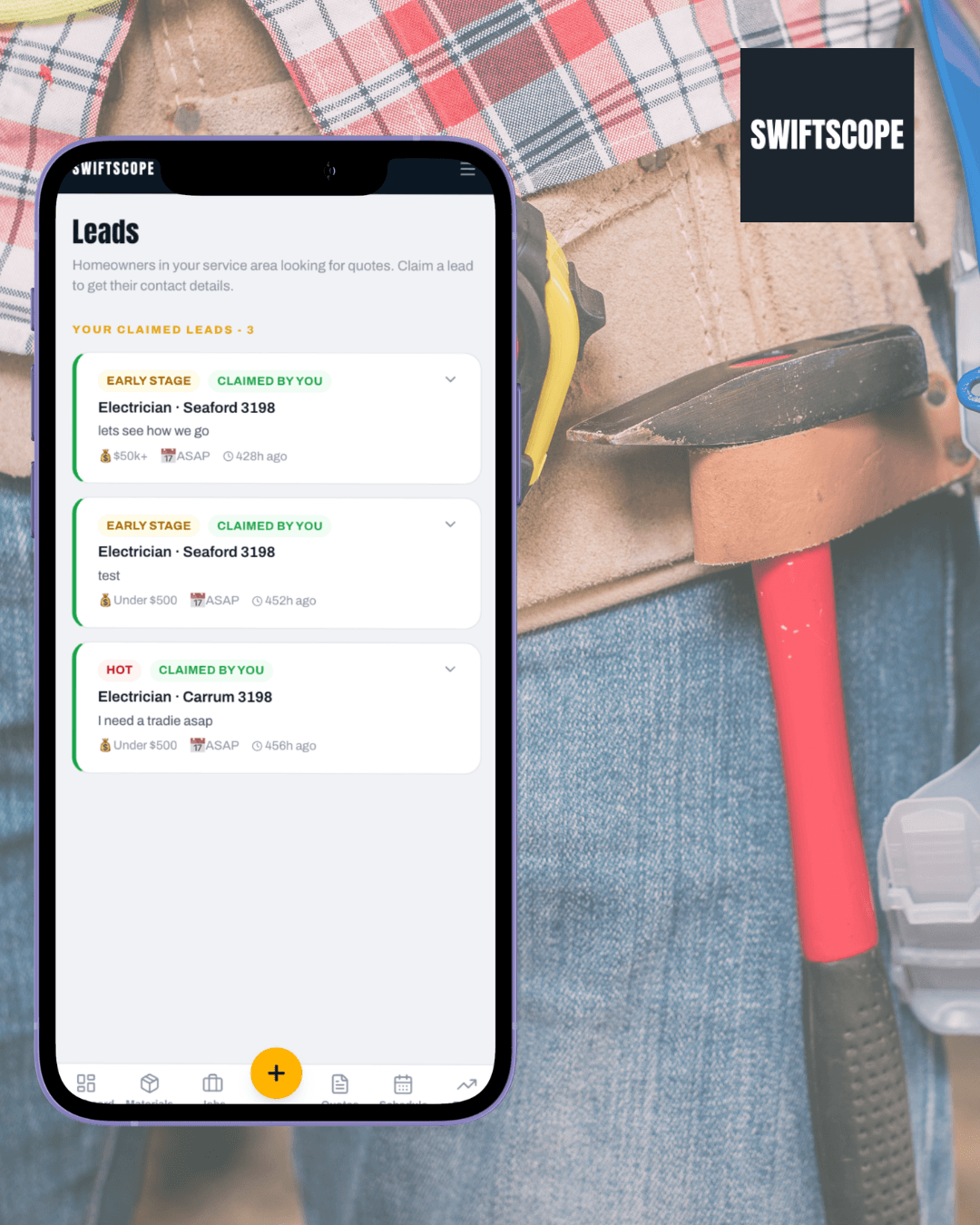
Local discovery
Free directory listing with Google ratings. Homeowners find you and contact you direct. No per-lead auction.
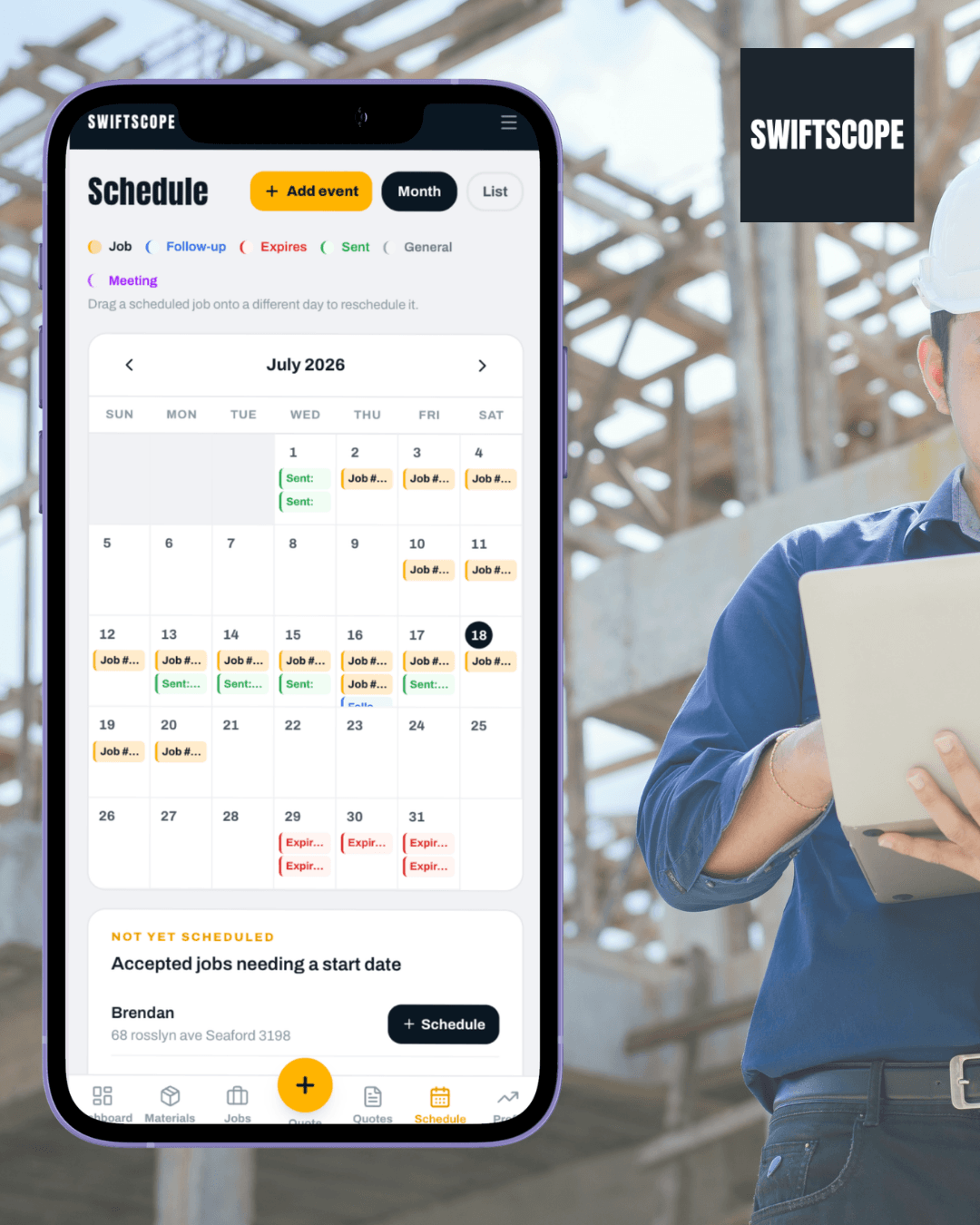
Job management
Quotes, jobs, scheduling, variations, job costing. All in one place, all on your phone.

Drawing markup
Upload site plans, draw cable runs or pipe routes, count items. Costs link to your quote.

Job costing
Track actual hours and materials against what you quoted. Know your real margin on every job.

Xero invoice push
Connect Xero once. When a quote is accepted, SwiftScope pushes a draft invoice so you are not re-typing totals.